Workplace Automation — Business & Inventory Management
DesktopA desktop automation system built on a layered architecture where businesses manage inventory, invoicing, accounts and cash flow from a single hub.
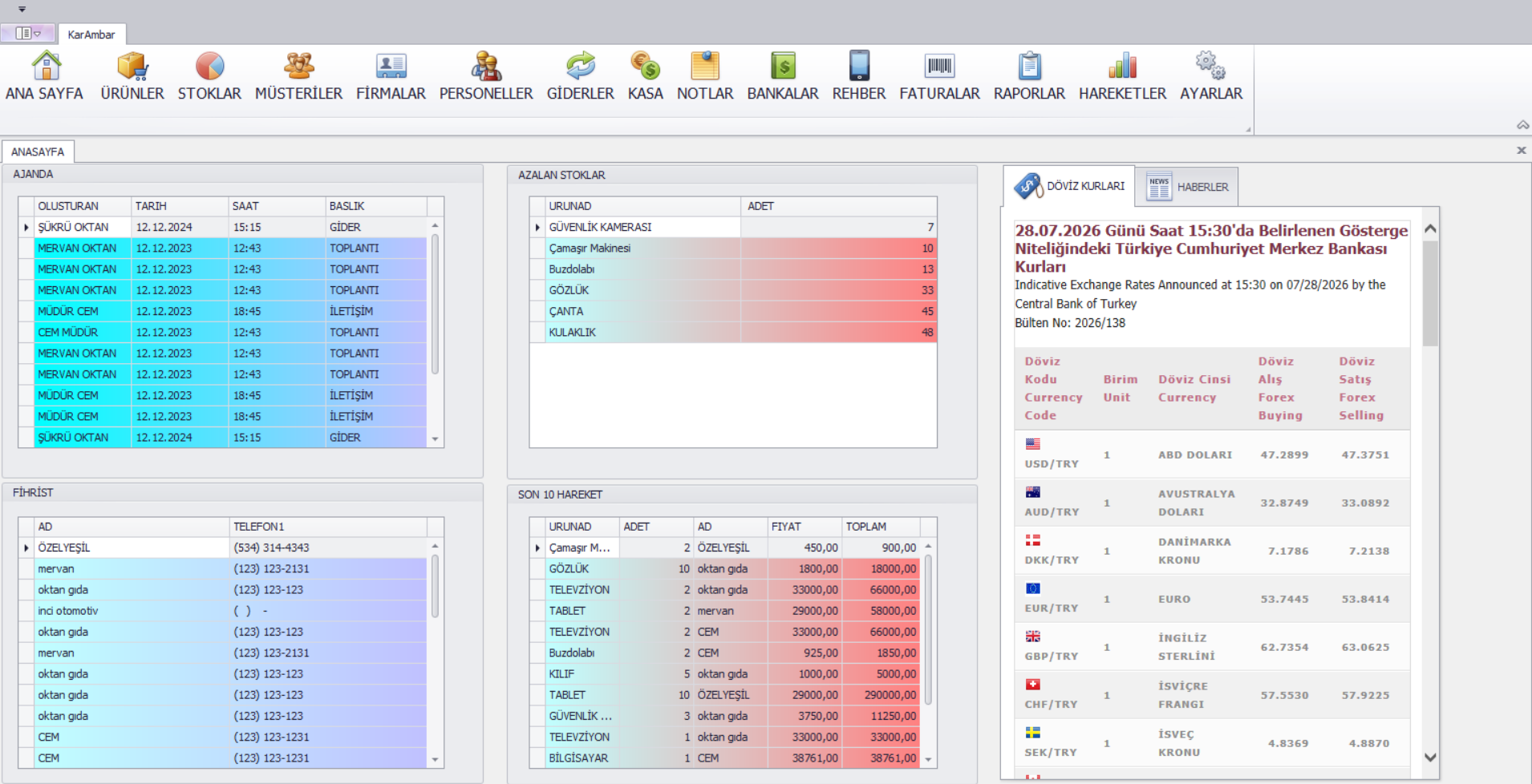
The Problem
In small and mid-sized businesses, inventory tracking, invoicing, customer accounts and cash movements are often scattered across separate Excel files — or even paper. The result: critical stock levels go unnoticed, the income/expense picture only becomes clear at month's end, and multiple copies of the same data drift out of sync.
This project was built to bring a business's entire daily operation into a single desktop application.
Architectural Decisions
1. Layered (N-Tier) architecture. UI, business logic and data access were split into separate layers. The value showed as the number of forms grew: invoice calculation rules live in a single business layer, so both the sales and purchase invoice screens share the same logic — a rule change is applied in one place.
2. DevExpress components for the UI. DevExpress GridView and Ribbon were chosen over standard WinForms controls. The reason is functional: the things a business user needs most — fast filtering/sorting across thousands of records and one-click Excel/PDF export — come built-in and performant with these components.
3. Data: a relational model on MS SQL Server. Customer-invoice-inventory- cash relations were built with normalized tables; profit/loss analysis and periodic reports are computed at query time over these relations rather than at write time — so reports always reflect current data.
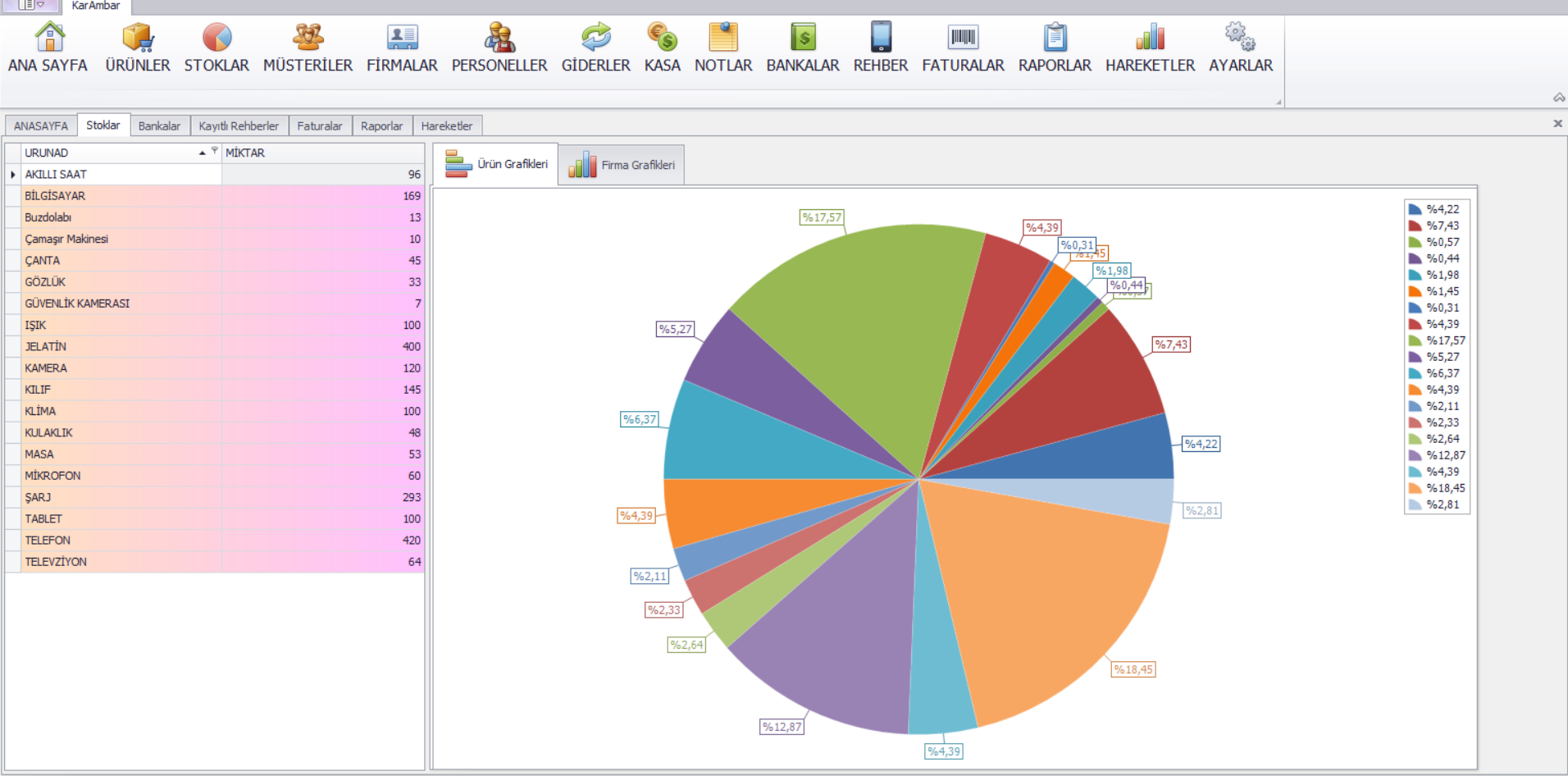
Modules
The system consists of 8 modules covering a business's operation end to end:
- Customers & Accounts — records, contacts, balance tracking
- Inventory & Warehouse — quantity tracking, critical stock alerts
- Invoice Management — purchase/sales invoices, archiving
- Product Management — categorization, pricing, product cards
- Income & Expenses — itemized classification
- Profit / Loss Analysis — instant and periodic reports
- Cash Movements — cash flow and financial summaries
- Meetings & Agenda — planning and reminders
Results
This project gave me early-career experience designing and building a business application end to end — from the database schema to the report screens — on my own. I'd make some decisions differently today (e.g. using an ORM for data access), which is itself the clearest proof of what this project taught me.